
Skip to content
DE
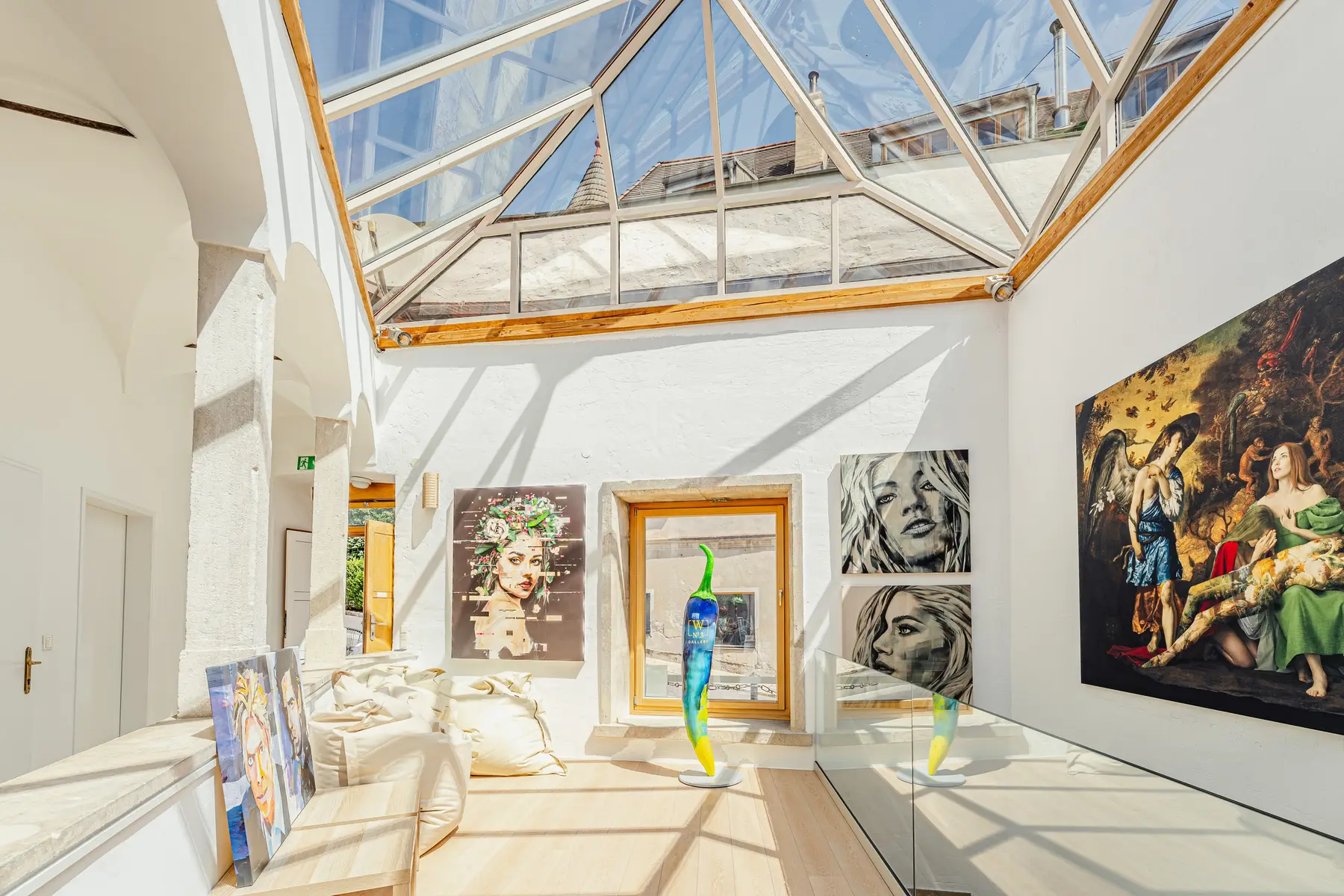
Café in Krems with a red bench, upholstered armchairs and framed pictures on the wall

Photo editing and retouching

Pixellab-Media handles photo editing in its own office in Grafenwörth near Krems: retouching, colour correction, compositing and export in exactly the versions you need, whether for your website, print or a property listing.

What photo editing includes

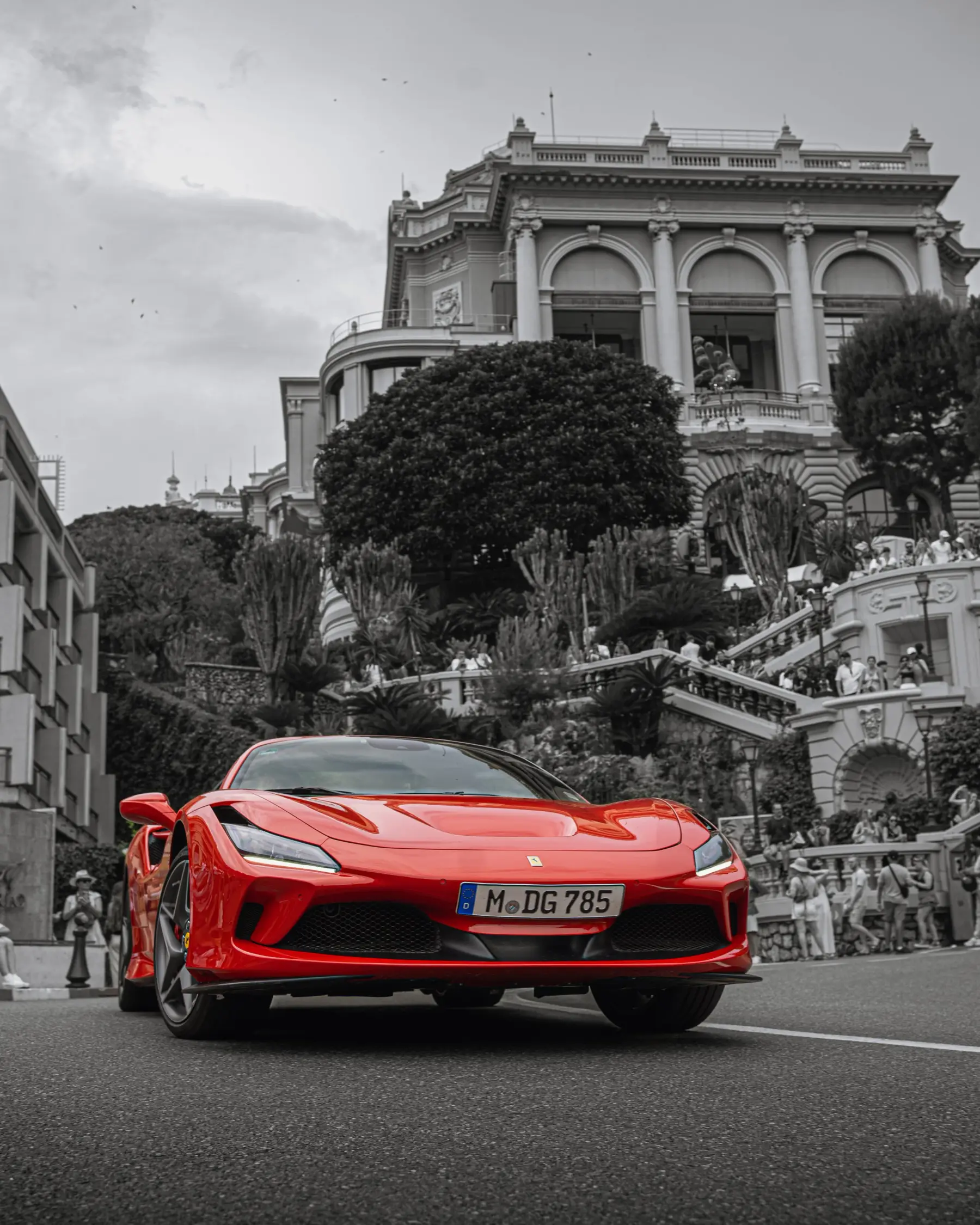
Colour correction. In Lightroom Classic we fine-tune colours, contrast and detail so that bright and dark areas come out equally well.

Retouching. Whatever distracts is removed. The subject stays real, though.

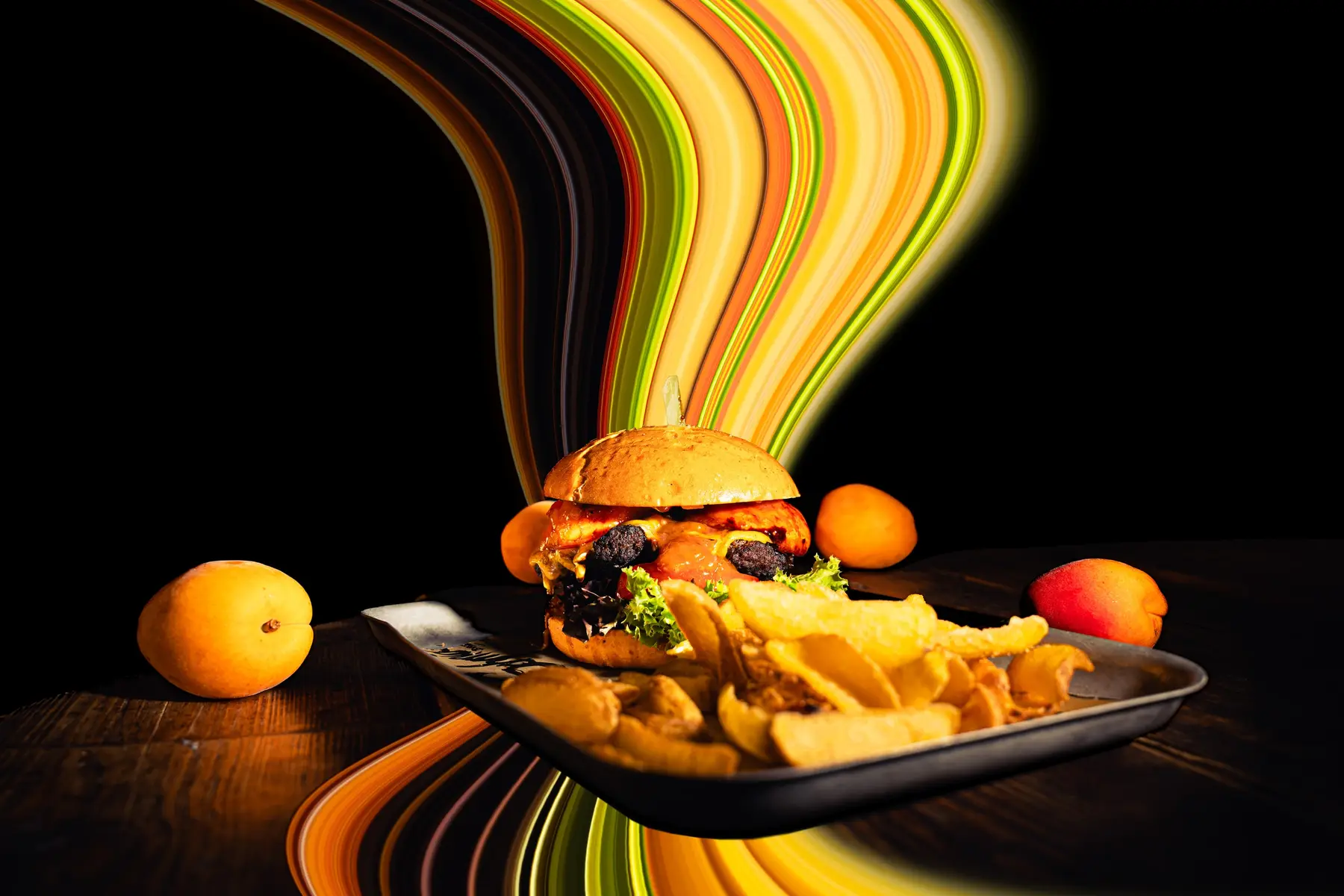
Compositing. Several shots become one picture, for example real estate photos in HDR and flambient technique, or effects that make movement visible.

Export. Every picture in the sizes and formats your website, print and listings require.

Before and after

Here you can see what good editing makes possible. Simply drag the slider left and right.

The same house after HDR editing with balanced light
House with garden before HDR editing
Before After
HDR photo This property photo was taken using the HDR technique. Several photos with different exposures are layered to achieve a particularly balanced relationship between light and shadow. Colours, contrast and detail are then fine-tuned in Lightroom so that bright and dark areas come out equally well.
The same interior after flambient editing, bright and evenly lit
Interior with stairs before flambient editing
Before After
Flambient photo This photo was taken using the flambient technique. Several photos are taken with targeted flash to light different areas of the room perfectly. In Photoshop these individual shots are combined with a layer that captures only the natural ambient light. The result is a realistic and balanced overall picture.
The same BMW after editing with a motion effect
Mint-green BMW on the race track, unedited shot
Before After
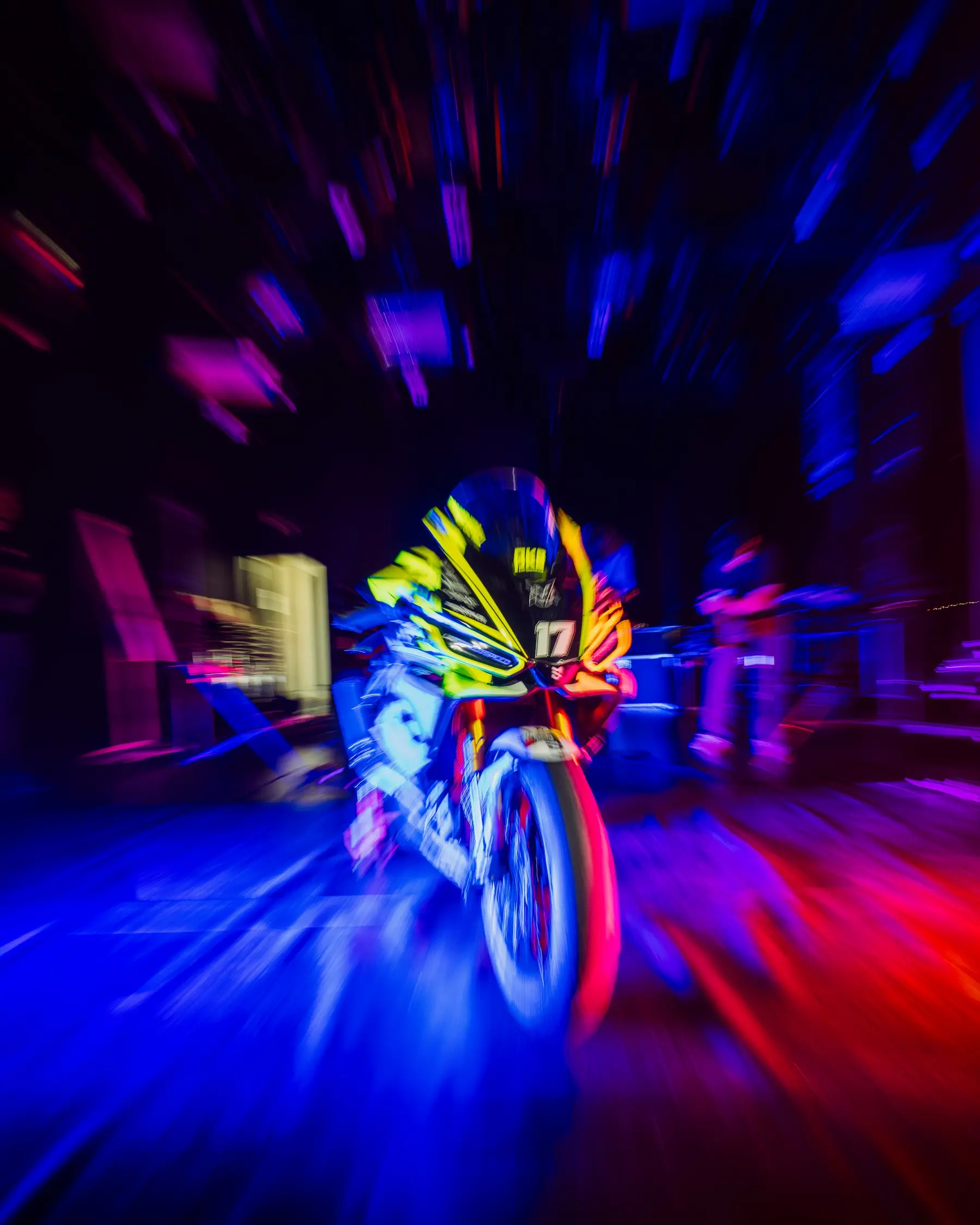
Motion in the picture The picture shows a BMW 140i whose colours were optimised and contrast boosted in Lightroom. A motion effect was then added in Photoshop to emphasise the speed and dynamics of the car.

Examples

Software

  • Adobe Lightroom Classic
  • Adobe Photoshop
  • Higgsfield

FAQ

What is the difference between HDR and flambient?

With HDR we layer several differently exposed photos so that bright and dark areas are equally visible. With flambient we take several shots with targeted flash and combine them in Photoshop with a shot in natural light.

In which formats do I get the pictures?

In exactly the versions you need: for website, social media, print and listings. You usually receive the finished files via a download link.

Do I also get the RAW files?

You receive the finished pictures we agreed on. We only hand over RAW files if we have agreed this in writing beforehand.

Do you use artificial intelligence?

In part, for example for noise reduction, sharpening, upscaling and retouching. We never create deceptively realistic alterations of people, places or events without explicit agreement. And if you prefer, we do without cloud AI services entirely.

More services

Service

Type of appointment

Day

Time

Please choose a day first.

Your details